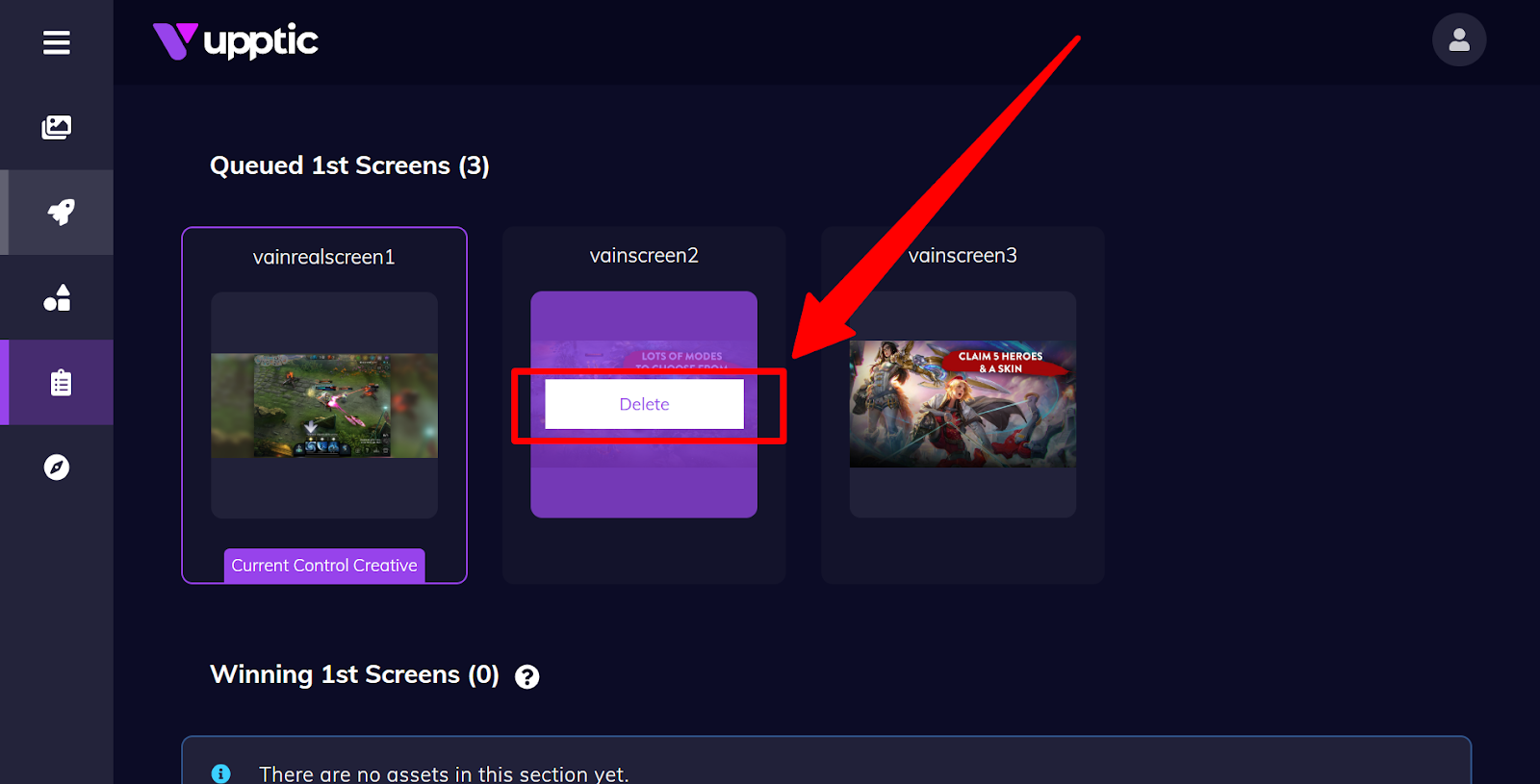
For a test phase that has not started, you can simply delete the queued asset. Here is an example deleting a queued screenshot:
However, sometimes you want to end a test early that has already started. This could be because a mistake was made or sometimes you have to meet a launch date and even though confidence isn’t 90%+, you would still like to make a manual decision to pick a winner. Similarly, you would hover over the asset and click “Set as Winner”.
In addition to "Set as Winner", you could also select "Remove From Test" to manually remove a specific asset early from an ongoing test.