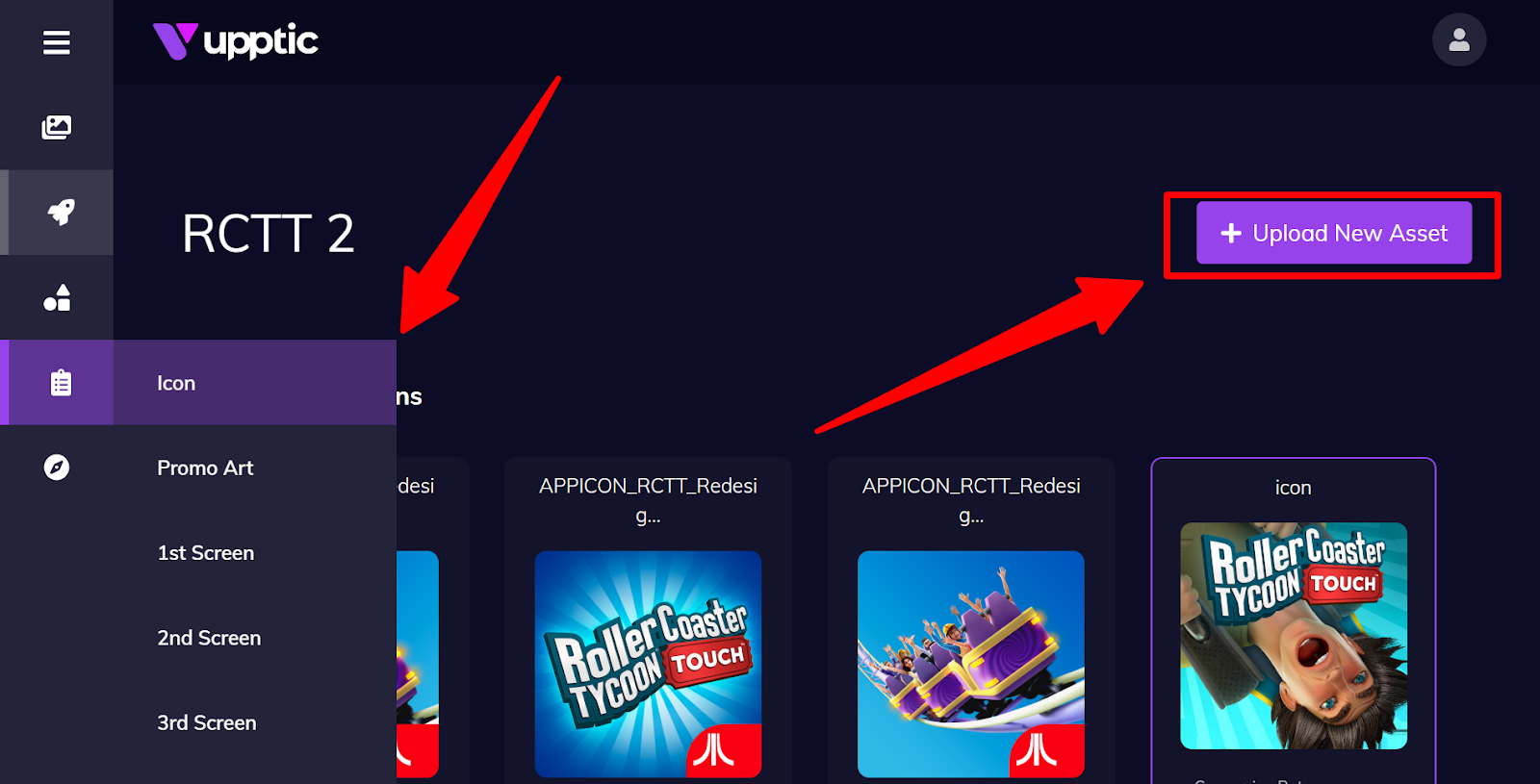
Each Element (Icon, Promo Art, Screenshots, etc.) for an app has their own page and is accessible from the left navigation menu. On these pages, you can see the performance of individual assets, what’s currently testing, and what’s queued.
To upload more assets for testing for an Element, such as an Icon, go to the Icon page and click “Upload New Asset”:
In Elements, there is also a page called “Static Info”. This is where you can edit the static meta-info of the app on the testing pages.